Email remains one of the most widely used communication tools for businesses and individuals. Unfortunately, it is also one of the most common targets for cybercriminals. One of the oldest and most effective email-based attacks is email spoofing. Attackers disguise the sender’s identity to make fraudulent emails appear legitimate, tricking recipients into sharing sensitive information, downloading malware, or transferring money.
Understanding Email Spoofing Explained is essential for anyone who wants to protect personal data, business communications, and digital assets. By learning how email spoofing works and how to defend against it, individuals and organizations can significantly reduce the risk of phishing attacks and financial fraud.
This guide explains Email Spoofing Explained, explores common attack techniques, highlights warning signs, and shares practical methods to prevent spoofing in 2026.
What Is Email Spoofing?
Email spoofing is a cyberattack in which an attacker forges the sender’s email address to make a message appear as though it came from a trusted person, organization, or company.
The attacker changes the email header information so recipients believe the message is legitimate.
Spoofed emails are commonly used to:
- Steal login credentials.
- Distribute malware.
- Deliver phishing attacks.
- Commit financial fraud.
- Impersonate executives.
- Collect confidential information.
- Spread ransomware.
- Trick users into clicking malicious links.
Because the sender appears trustworthy, recipients are more likely to interact with the message.
Why Is Email Spoofing Dangerous?
Learning Email Spoofing Explained helps users recognize why these attacks are so successful.
Some of the biggest risks include:
- Identity theft.
- Business Email Compromise (BEC).
- Financial losses.
- Data breaches.
- Malware infections.
- Reputation damage.
- Unauthorized account access.
- Loss of customer trust.
Moreover, spoofed emails often bypass human suspicion because they closely resemble legitimate communications.
How Does Email Spoofing Work?
Email protocols were originally designed without strong authentication.
Attackers exploit this weakness by modifying email header information before sending a message.
A typical spoofing attack follows these steps:
- The attacker selects a trusted sender.
- The sender’s email address is forged.
- A convincing phishing email is created.
- The email is delivered to victims.
- Recipients click malicious links or provide sensitive information.
Modern email authentication technologies help reduce these attacks, but user awareness remains equally important.
Common Types of Email Spoofing
1. Display Name Spoofing
Attackers copy the display name of a trusted person while using a different email address.
Many recipients only notice the sender’s displayed name rather than the actual email address.
2. Domain Spoofing
Cybercriminals forge the sender’s domain to make emails appear as though they originated from a legitimate organization.
This technique is frequently used in phishing campaigns targeting businesses.
3. Lookalike Domains
Instead of spoofing an existing domain, attackers register domains that closely resemble legitimate websites.
Examples include replacing letters with similar-looking characters or adding small spelling changes that are difficult to notice.
How to Prevent Email Spoofing
Preventing email spoofing requires both technical security measures and user awareness.
Follow these best practices to reduce the risk:
1. Implement SPF
Sender Policy Framework (SPF) allows domain owners to specify which mail servers are authorized to send emails on behalf of their domain.
SPF helps receiving mail servers identify unauthorized senders and reject suspicious messages.
2. Enable DKIM
DomainKeys Identified Mail (DKIM) adds a digital signature to outgoing emails.
Receiving mail servers verify the signature to ensure that the email has not been altered during transmission.
DKIM improves email authenticity and protects message integrity.
3. Configure DMARC
Domain-based Message Authentication, Reporting, and Conformance (DMARC) works together with SPF and DKIM.
DMARC enables organizations to:
- Reject spoofed emails.
- Quarantine suspicious messages.
- Receive authentication reports.
- Improve email security policies.
Implementing DMARC is one of the most effective ways to reduce domain spoofing.
4. Train Employees
Human error remains one of the biggest cybersecurity risks.
Organizations should educate employees to:
- Verify unexpected requests.
- Inspect sender email addresses.
- Avoid clicking suspicious links.
- Report unusual emails.
- Confirm financial requests through another communication channel.
Regular security awareness training significantly reduces successful phishing attacks.
5. Use Advanced Email Security Solutions
Modern email security platforms help detect spoofed messages before they reach users.
Common security features include:
- Anti-phishing protection.
- Malware scanning.
- URL analysis.
- Attachment sandboxing.
- AI-powered threat detection.
- Spam filtering.
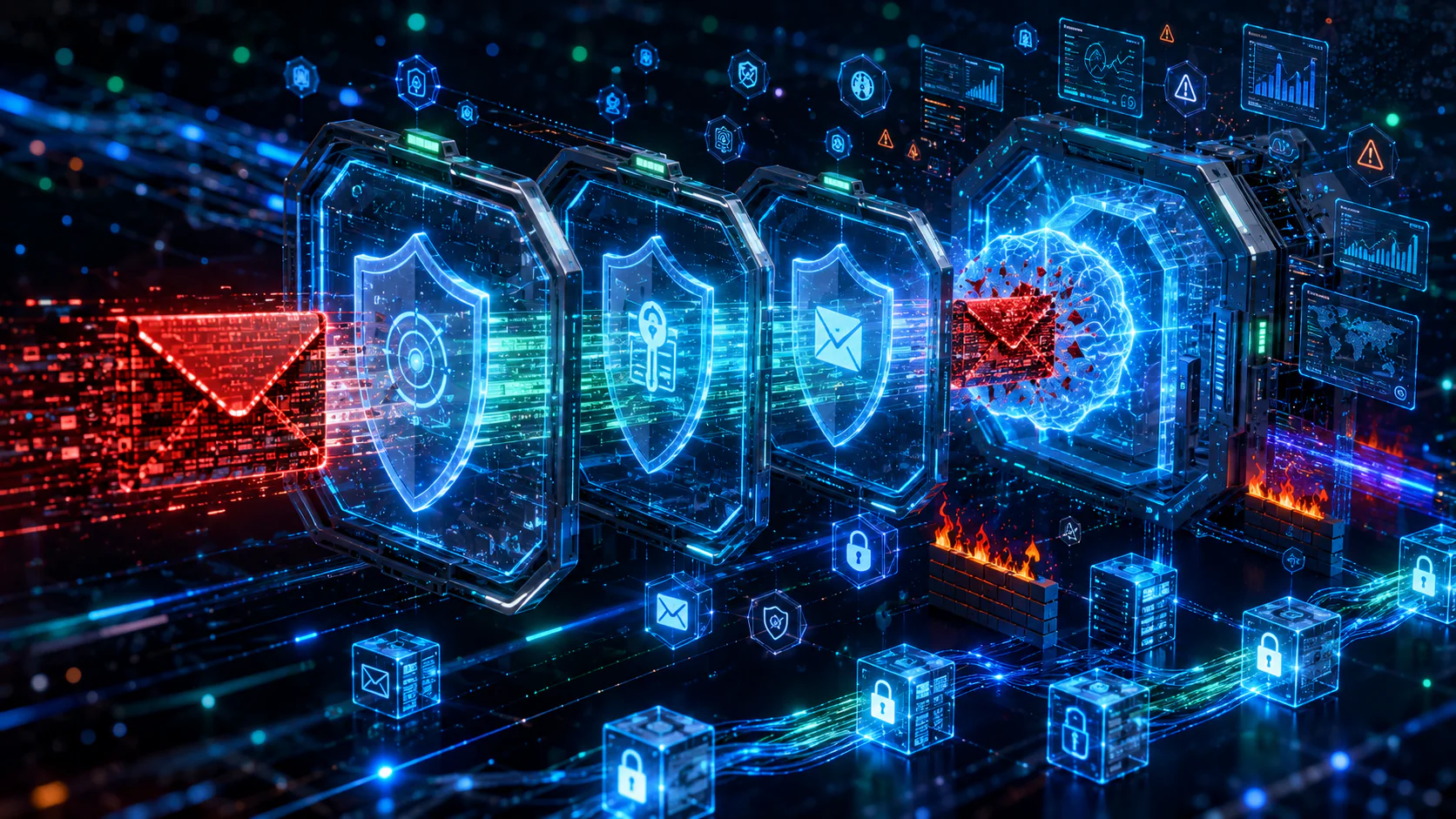
These technologies provide multiple layers of defense against email-based attacks.
Warning Signs of a Spoofed Email
Although spoofed emails can appear convincing, several warning signs may indicate fraud.
Watch for:
- Unexpected requests for sensitive information.
- Urgent payment instructions.
- Poor grammar or spelling mistakes.
- Slightly altered email addresses.
- Suspicious links or attachments.
- Generic greetings instead of personalized names.
- Messages creating unnecessary urgency.
Recognizing these indicators can prevent many successful attacks.
Best Practices for Email Security
In addition to preventing spoofing, organizations should strengthen overall email security.
Recommended practices include:
- Enable Multi-Factor Authentication (MFA).
- Update email security policies regularly.
- Use strong and unique passwords.
- Monitor email authentication reports.
- Keep software and email systems updated.
- Back up important email data.
- Review user access permissions frequently.
- Perform regular cybersecurity awareness training.
Moreover, combining technical controls with employee education provides the strongest protection.
Frequently Asked Questions (FAQs)
What is email spoofing?
Email spoofing is a cyberattack in which attackers forge the sender’s email address to make a fraudulent email appear to come from a trusted source.
Is email spoofing the same as phishing?
No. Email spoofing disguises the sender’s identity, while phishing is a broader attack that attempts to steal sensitive information. Spoofing is often used as part of phishing campaigns.
How do SPF, DKIM, and DMARC help?
These email authentication standards verify sender identity, protect message integrity, and help prevent unauthorized emails from reaching recipients.
Can individuals protect themselves from email spoofing?
Yes. Carefully checking sender addresses, avoiding suspicious links, enabling Multi-Factor Authentication, and keeping software updated all reduce the risk.
Can businesses completely stop email spoofing?
Although no solution provides complete protection, implementing SPF, DKIM, DMARC, advanced email filtering, and employee awareness training greatly reduces the likelihood of successful attacks.
Why is employee training important?
Many spoofing attacks rely on social engineering rather than technical vulnerabilities. Educated employees are more likely to recognize suspicious emails and avoid becoming victims.
Learn more about email authentication and anti-spoofing standards by visiting DMARC.org – Email Authentication Guide.